
Learn how to Set Program Locations so Tour Operators and Teachers arrive at the correct place if you deliver programs at different locations or start programs at different locations.
*You require Owner or Administrator role to access Manage Programs.
- Click Manage Attraction in the left navigation.
- Click Programs.
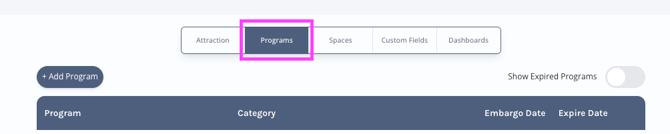
- Identify the program you want to add a location for and click Edit.
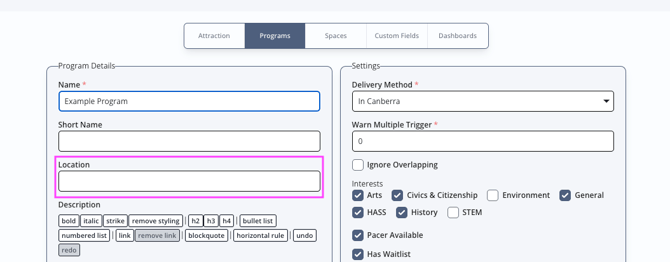
- Populate Location with relevant information.
Where does this show for the end user?
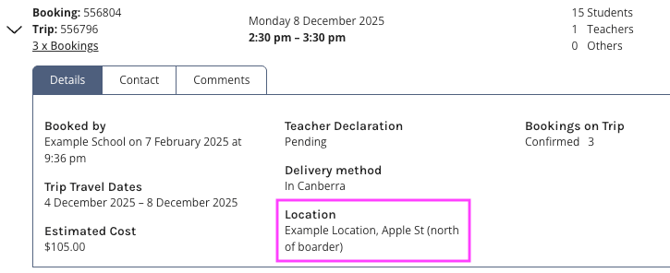
This appears in 2 places in the BCE system.
Location 1: Manage Bookings Details
Location 2: Reminders emailed to Tour Operators and Teachers.